Deployment into your cloud
Environments built as code in your AWS, Azure or Google Cloud accounts, in the regions your data rules require.
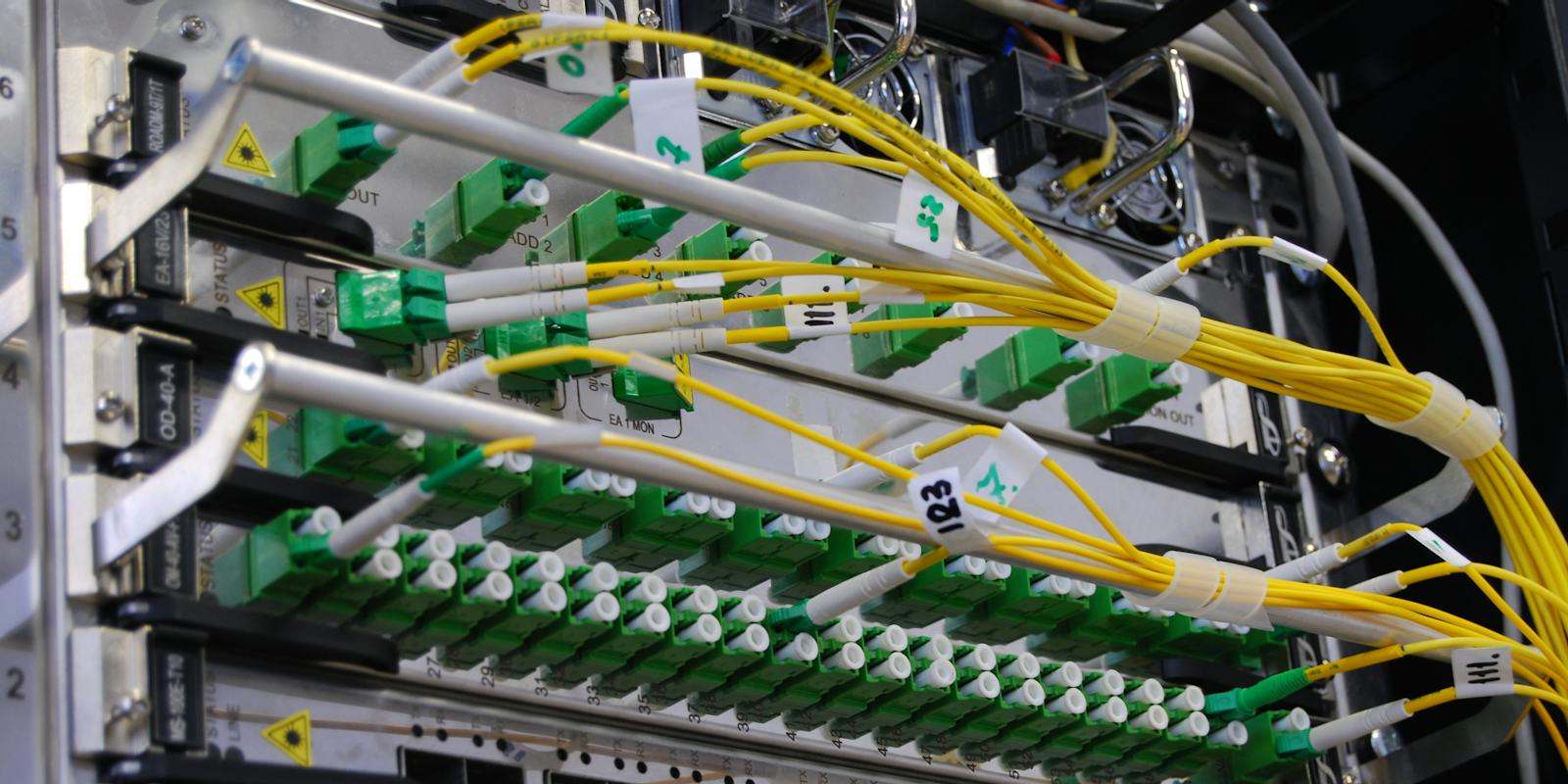
Labs 24 deploys AI systems where your data already lives: your AWS, Azure or Google Cloud account, a private model endpoint, or open-weight models on GPUs you own. Then we keep them fast, affordable and up at 2am.
AI deployment is the work of running AI systems in production: hosting models and applications, connecting them securely to your data, scaling them, and keeping quality, uptime and cost under control. Labs 24 deploys into the client's own cloud or on-prem environment, including private LLM deployments where data never leaves the network.
Most AI work stops at a notebook or a vendor sandbox. Getting it into your network, behind your login, inside your security rules and on a budget your finance team accepts is where projects stall. That is the part we do.
 Deployed into your accounts, owned by your team
Eight parts of production and cloud engineering we own end to end, from the first environment to the on-call rota.
Environments built as code in your AWS, Azure or Google Cloud accounts, in the regions your data rules require.
Open-weight models served with vLLM or Ollama, sized to your GPUs, quantised where it holds up, and load-tested before launch.
One gateway in front of every model: keys, rate limits, budgets, caching and automatic fallback when a provider is slow or down.
Autoscaling, request batching, queues for long jobs and caching, tuned against real traffic and agreed latency targets.
Pipelines that run tests and evals, then release to a small share of traffic first, with one-step rollback.
Service-level targets, alerts that page the right person, runbooks for the common failures, and incident reviews.
Private networking, secrets management, SSO, least-privilege access and audit logs. Air-gapped builds when nothing may connect out.
GPU utilisation and API spend tracked per team and per feature, with budgets, alerts and right-sizing every month.
The same AI system can run four ways. Switch between them to see what stays inside your infrastructure and what that costs you in effort and time.
Typical ranges. Many clients mix options: a private endpoint for sensitive steps and a frontier API for the rest.
Six areas we check off before any AI system takes real traffic. Then, for self-hosting, a rough guide to the hardware it needs.
| Model size | Memory for weights (4-bit / 16-bit) | Typical hardware | Good for |
|---|---|---|---|
| Small, 7–9B | ≈ 5–6 GB / ≈ 16–18 GB | One 24 GB GPU | Classification, extraction, routing |
| Medium, 24–34B | ≈ 15–20 GB / ≈ 50–70 GB | One 48–80 GB GPU | Drafting, RAG answers, summaries |
| Large, ~70B | ≈ 35–40 GB / ≈ 140 GB | One 80 GB GPU at 4-bit, or two to four 80 GB GPUs | Harder reasoning, long documents |
| Very large, 100B+ | Hundreds of GB | A multi-GPU server or cluster | Rarely worth it on-prem; use a private endpoint |
Rough guide for weights only. Real needs grow with context length, concurrent users and the serving engine, so we size against your real traffic first.
We build the platform in your accounts, harden it under load, then move traffic over gradually. A demo every Friday, on your infrastructure.
 Built with your IT and security teams, not around them
We map your infrastructure, security and data rules, size the traffic and pick the deployment option.
Staging built in your accounts: networking, gateway, model serving, CI/CD and the first service running.
Load tests, failure drills, autoscaling, security review and full observability.
Canary rollout to real users, on-call handover, cost dashboard and runbooks in your team's hands.
We build on what your team already runs where we can, so the platform is something they can own after handover.
Strict compliance requirements? Security controls and audit evidence are covered in Security & Compliance.
Under NDA, so clients stay unnamed. Every one runs on the client's own infrastructure with full IP transfer and repos from day one.

Compliance-first build deployed inside the authority's own environment, with audit logging on every decision.

Campaign engine serving several consumer apps, built to absorb launch-day traffic spikes without dropping requests.

Open-weight models served on the firm's own hardware, so client files never leave the building.
Production and cloud engineers host what the rest of the squad builds, and keep it running after handover.
Long-running agents that need durable infrastructure.
02The models we serve and route.
03Indexes, sync jobs and embeddings to host.
04Release gates and quality alerts in the pipeline.
10Reference architecture and build-or-buy calls.
11Controls, audits and data residency.
AI deployment is the work of running AI systems in production: hosting models and applications, connecting them securely to company data, scaling them, and keeping quality, uptime and cost under control. Labs 24 deploys into the client's own cloud or on-prem environment.
A private LLM deployment runs the language model inside infrastructure the company controls, either as a managed model endpoint in its own cloud account and region or as an open-weight model on its own GPUs, so prompts and data do not go to a shared public service.
Use a frontier API for speed and the hardest reasoning at low to medium volume. Use a private cloud endpoint for regulated data that can stay in your cloud. Self-host open-weight models when volume is high, data must never leave your network, or you want predictable cost. Many systems mix all three.
As a rough guide for weights alone: a 7 to 9 billion parameter model fits on one 24 GB GPU, a 24 to 34B model on one 48 to 80 GB GPU, and a 70B model on one 80 GB GPU at 4-bit or two to four 80 GB GPUs at full precision. Context length and concurrent users add to this, so Labs 24 sizes against real traffic.
Yes. Labs 24 builds environments as infrastructure as code inside the client's own cloud accounts and chosen regions, and hands the code and access over at the end.
Yes. Open-weight models, retrieval and the application can run with no outbound connection at all, with model and software updates delivered offline. This suits public sector and other high-security environments, at the cost of more operational effort.
LLMOps is the operational practice for running LLM systems: model serving, gateways and fallbacks, release pipelines with evals, monitoring of quality, cost and latency, and incident response. It extends DevOps and MLOps to language models.
Labs 24 agrees data rules, sizing and the deployment option, builds the environment as code in staging, load-tests and secures it, then moves real traffic over gradually with monitoring, runbooks and a cost dashboard. On-prem builds also depend on hardware arriving.
Labs 24 prices after an initial audit of the environment, data rules and traffic. Running costs depend on the option chosen; they are tracked per team from day one and reviewed monthly.
A 30-minute call. Tell us your data rules, your cloud and your traffic. We'll tell you which deployment option fits and what it would take.
Book a build call